Chapter 8 — MQTT vs RabbitMQ vs Kafka: The Right Protocol for the Right Job
Most IoT tinkerers discover MQTT first and use it for everything. That’s fine — MQTT handles most IoT use cases well. But understanding why it works, and when it doesn’t, prevents future architectural pain.
MQTT: The IoT Default
MQTT (Message Queuing Telemetry Transport) is a publish/subscribe protocol designed for constrained devices and unreliable networks. A device publishes a message to a topic. Any subscriber listening to that topic receives the message. The broker (a server) handles routing.
Why it’s the right default for IoT:
- Lightweight: the protocol overhead is minimal — as small as 2 bytes per message header. A DHT22 reading takes ~20 bytes total.
- Designed for unreliable networks: QoS levels (0, 1, 2) let you trade delivery guarantees for overhead. QoS 0 is fire-and-forget. QoS 1 guarantees at-least-once delivery. QoS 2 guarantees exactly-once.
- Persistent sessions: a device can reconnect after a network outage and receive messages it missed.
- Last Will and Testament: the broker publishes a “device offline” message automatically if a client disconnects unexpectedly.
Self-hosted MQTT brokers:
- Mosquitto: the reference implementation. Lightweight, widely supported, runs on a Pi Zero. The right choice for most homelab deployments.
- BunkerM: a newer option with a built-in web UI for topic monitoring and client management. Easier for beginners. Slightly more resource-heavy.
RabbitMQ: For Reliability and Routing
RabbitMQ implements AMQP (Advanced Message Queuing Protocol). It’s designed for application-to-application messaging where delivery guarantees, routing rules, and dead-letter queues matter.
For IoT, RabbitMQ makes sense when:
- You need to route messages to different consumers based on content (not just topic)
- You need strict delivery guarantees with acknowledgment
- You’re integrating IoT with a backend application that already uses RabbitMQ
The overhead is higher than MQTT — RabbitMQ is not appropriate for constrained devices publishing small sensor payloads at high frequency.
Kafka: For High-Volume Streams
Apache Kafka is designed for high-throughput, fault-tolerant, distributed event streaming. It retains messages for a configurable period (hours to weeks), allowing consumers to replay historical data.
For IoT at homelab scale, Kafka is almost always overkill. It requires JVM infrastructure, Zookeeper (or KRaft), and meaningful operational overhead.
Kafka becomes relevant when:
- You have thousands of sensor nodes publishing at high frequency
- You need replay capability (re-processing historical sensor data)
- You’re building a pipeline that feeds both real-time dashboards and historical batch analysis
The decision:
| Scenario | Protocol |
|---|---|
| Home sensors → Home Assistant | MQTT |
| IoT + application integration with delivery guarantees | RabbitMQ / AMQP |
| Industrial IoT, thousands of devices, high frequency | Kafka |
| Learning, everything | MQTT |
flowchart TD
    Start([New IoT messaging need]) --> Q1{Scale?}
    Q1 -->|Home / Homelab| Q2{Constrained devices?\nMCUs, sensors}
    Q1 -->|Industrial\nThousands of nodes| Kafka[Apache Kafka\nHigh throughput + replay]
    Q2 -->|Yes| MQTT[MQTT\nMosquitto / BunkerM]
    Q2 -->|No — app to app| Q3{Complex routing rules?}
    Q3 -->|Yes| RMQ[RabbitMQ / AMQP\nDelivery guarantees]
    Q3 -->|No| MQTT

    style MQTT fill:#e8f5e9,stroke:#388e3c
    style RMQ fill:#fff3e0,stroke:#e65100
    style Kafka fill:#e3f2fd,stroke:#1565c0
BunkerM: Self-Hosted MQTT with a UI
BunkerM runs in Docker and exposes a web UI for browsing topics, viewing live messages, and managing connected clients. For a homelab setup, it makes debugging MQTT pipelines considerably faster — you can see exactly what’s being published to which topic without writing a subscriber script.
# docker-compose.yml
services:
  bunkerm:
    image: bunkerminds/bunkerm:latest
    ports:
      - "1883:1883"   # MQTT
      - "8080:8080"   # Web UI
    volumes:
      - ./bunkerm-data:/data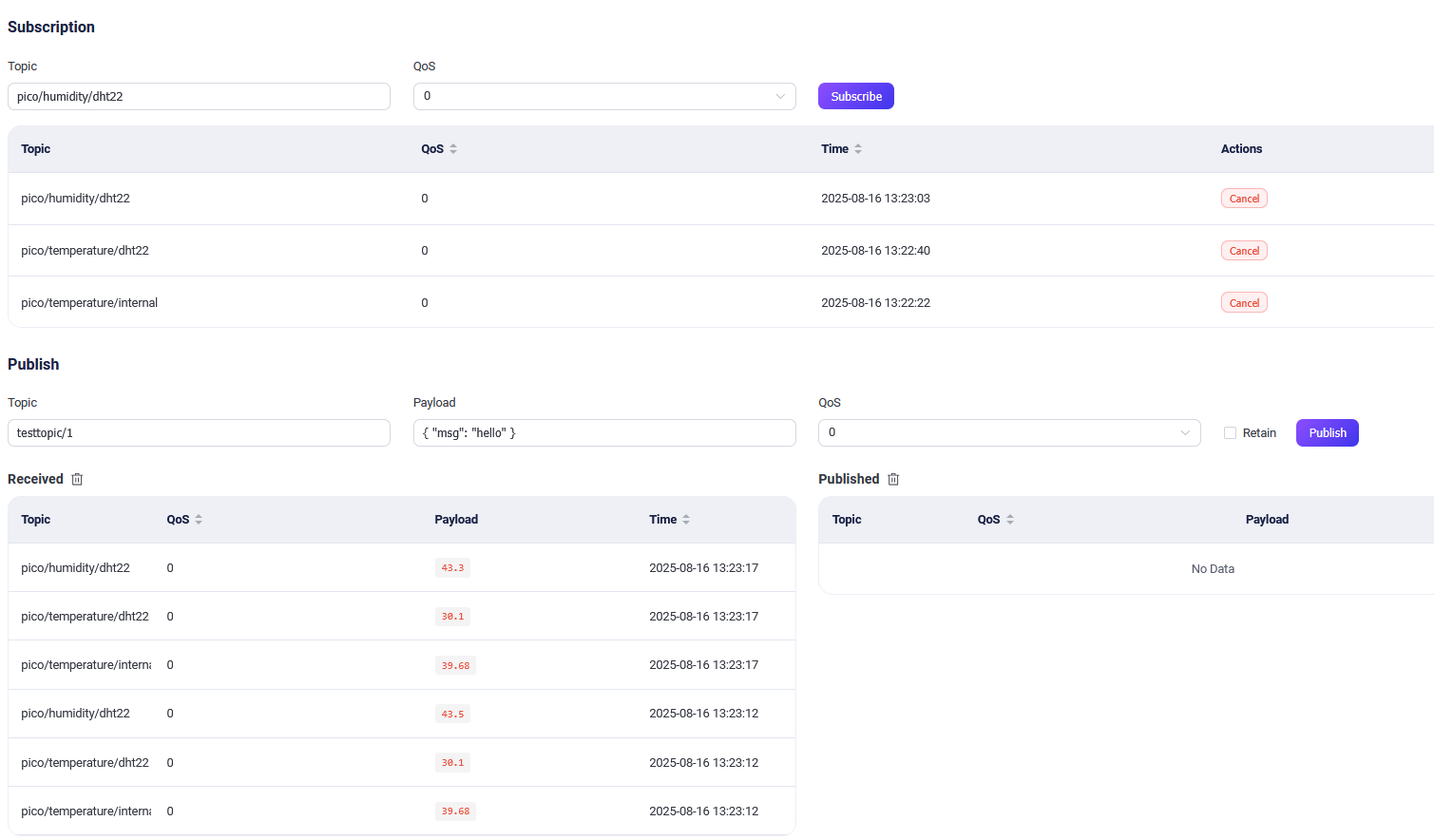

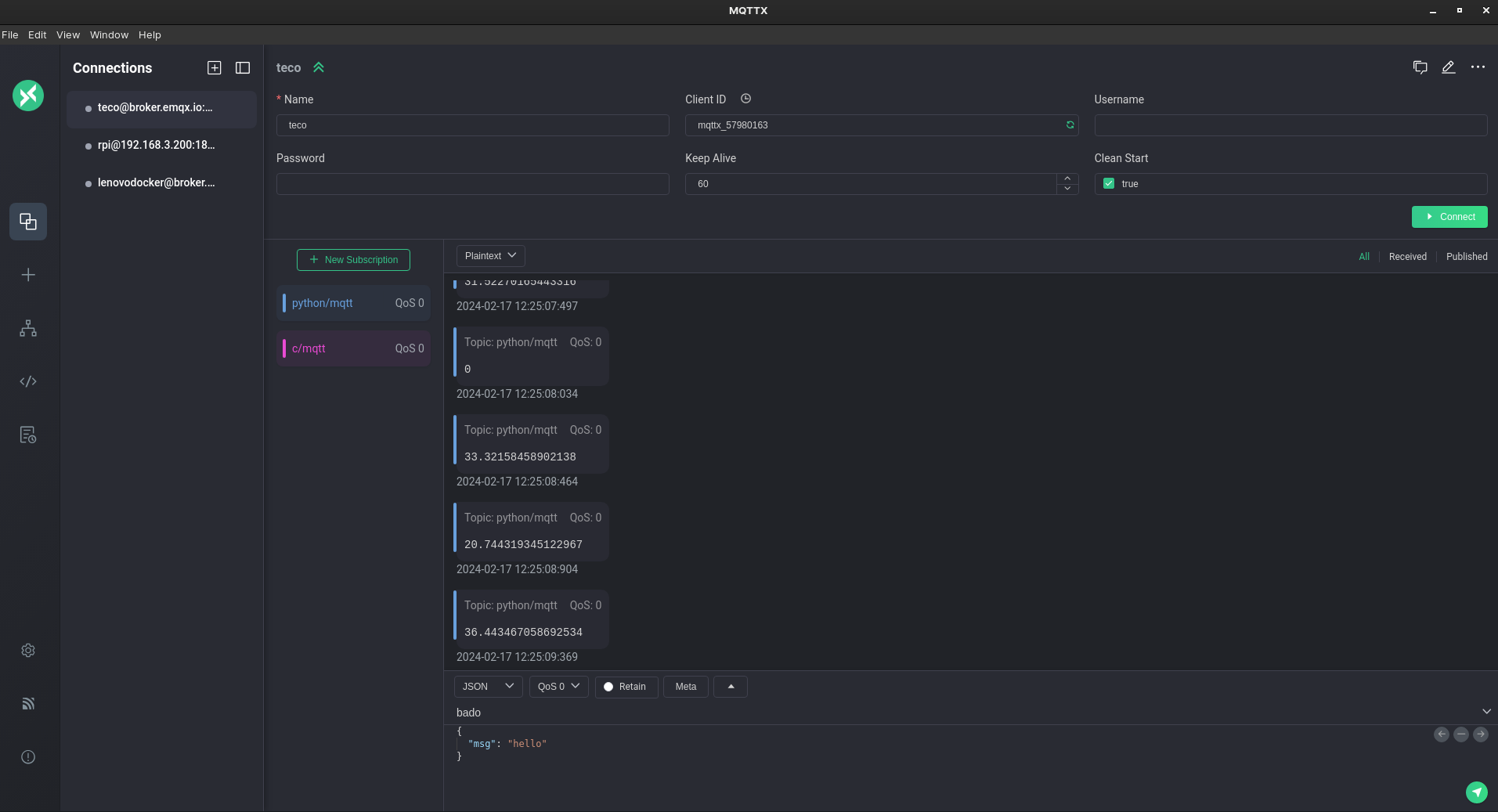
Takeaway: Use MQTT for everything at homelab scale. BunkerM for a broker with a UI. Graduate to RabbitMQ only when you need routing logic. Leave Kafka for industrial scale.